Create public interfaces to control interactive installations
Design your own control panel in the browser, open it on any phone or tablet, and control your audiovisual show: video, lights and sound.


Works on any screen
Design once and use it on a phone, a tablet or a computer, iPhone or Android. All it needs is a web browser.

Many devices, many people
Open the same interface on as many devices as you like. Move a slider on one and it moves on all of them.

Make it your own
Use your own logos, images and colours, start from a ready-made template, or build something completely new.
Control your software, your music gear and your lights
Every button and slider can control several things at once.
Software
Control Resolume, TouchDesigner, QLab, Ableton and most creative software. Your interface can also show what the software is doing.
Music gear
Play synths and music software, or use the knobs on a MIDI controller to move your interface.
Lights
Control lights directly, over the network or with a USB adapter. No lighting desk needed.
From the editor to a phone in one click
Publish your interface and scan the QR code: it opens on the phone or tablet straight away. There is no app to install.
- Works on any device with a web browser on your network.
- Every device stays in sync with the others.
- Lock OSCAR, so people can use your show but not change it.
- Your projects stay on your own computer.

A public link to your installation
Share one web address, and anyone can control your audiovisual or interactive installation from their own phone: at the venue on mobile data, or from anywhere in the world. No app, no Wi-Fi password, and nothing at your venue is exposed to the internet.
- Visitors scan a QR code or tap the link
- Up to 50 people at once on each interface
- Make it private again whenever you like
Start from a template
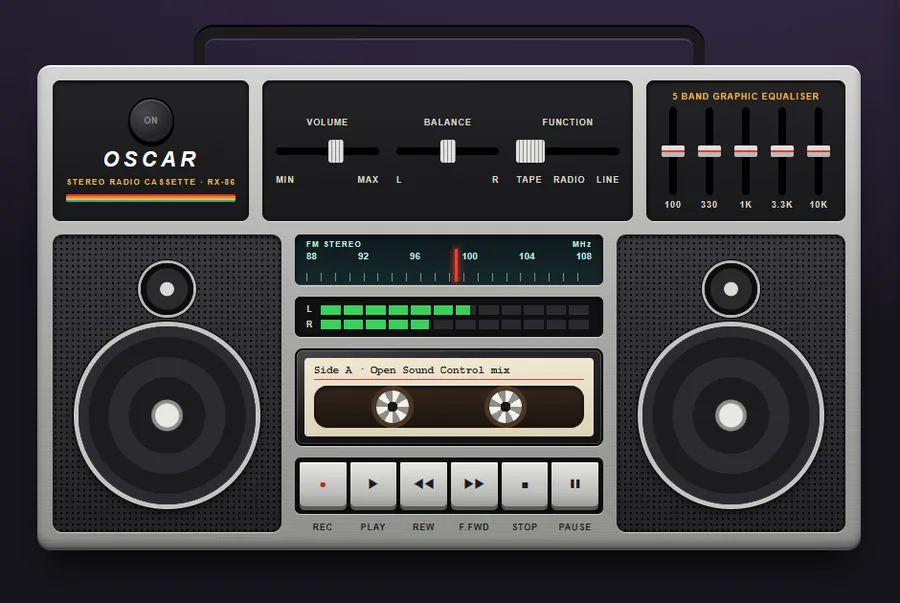
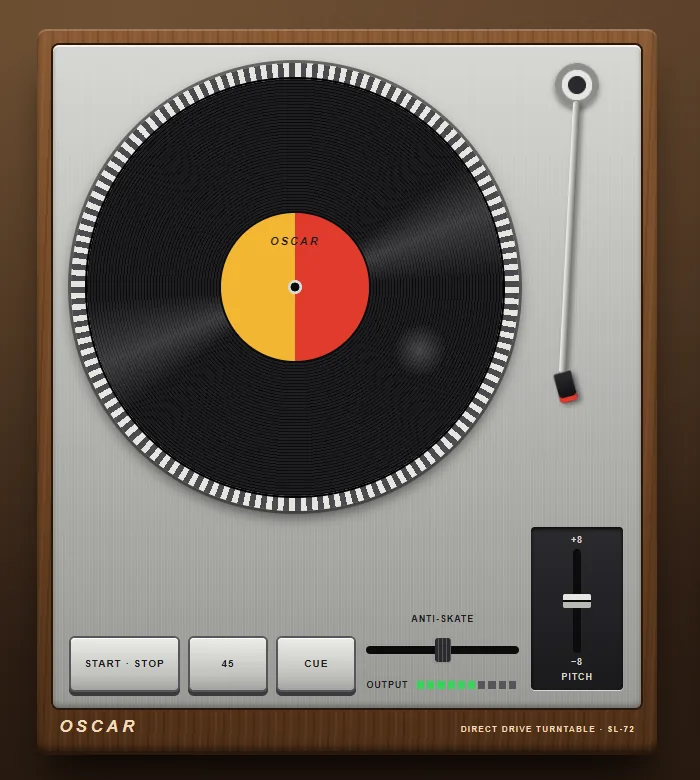
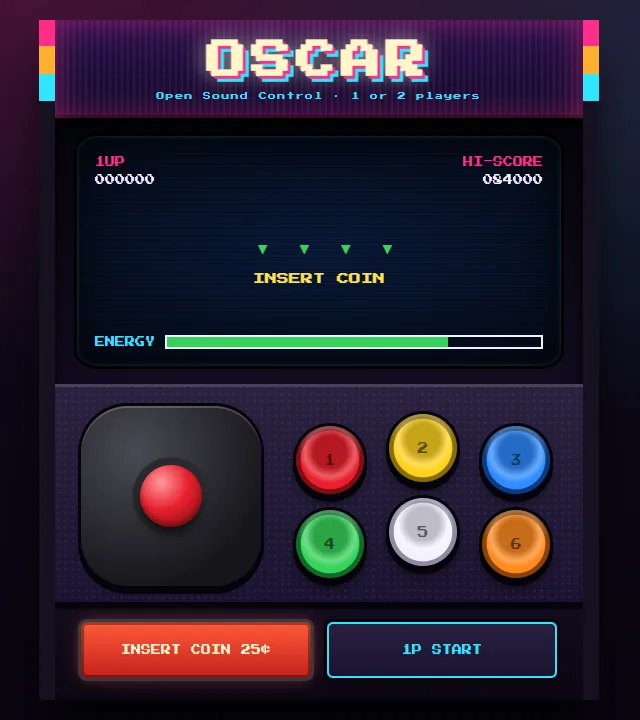
OSCAR comes with ready-made interfaces you can open and make your own: an audio console, a drum kit, a vintage synthesizer, lighting consoles, controllers for Resolume, QLab and TouchDesigner, and playful objects like a boombox and a turntable.
Build it with an AI assistant
Connect Claude, Cursor, Copilot, Codex, Gemini CLI or another assistant to OSCAR and say what you need. It drafts the interface; you open it, check it and publish it. It can also look into why something is not responding. It never controls your show.
“Build me a lighting desk with four faders and a blackout button.”
A draft appears in OSCAR, ready for you to open and adjust.
“Make a controller for my Resolume set: eight clips and a crossfader.”
The assistant knows every control OSCAR has and how each one is set up.
“My slider is not moving the light. Can you see why?”
It reads the slider's settings and what OSCAR lately sent, and tells you what it finds.
Made for the day of the show
Your projects stay on your computer
Every change is saved as you make it. Export a project as a file to keep a backup or send it to a colleague.
See what is happening
An activity log shows everything going in and out, so you can find out quickly why something is not responding.
Runs on a small computer
Besides Windows, macOS and Linux, OSCAR runs on a Raspberry Pi 3, 4 or 5: a small, quiet server for an installation that stays on.
Free to use. Pro when the installation runs without you.
OSCAR is free and open source, and always will be. OSCAR Pro adds what an installation needs when you cannot be there.
Public interfaces
Visitors use your interface from their own phone, anywhere, without joining your Wi-Fi. They scan a code, and nothing at your venue is exposed to the internet. How it stays safe.
Schedules
Lights on at opening time, everything off at night: automatically, on the days you choose, with nobody there.
Status
A page that tells you whether your installation is running and being used, wherever you are.
OSCAR
Freeforever, open source
- The whole editor, every widget and every template
- Control software, music gear and lights
- Interfaces on any phone or tablet on your network
- Windows, macOS, Linux and Raspberry Pi
OSCAR Pro
$12/monthor $100 a year, saving 31%. Plus any sales tax where you are; cancel any time.
- Everything in OSCAR
- Public interfaces: 5 at once, 50 visitors on each, 2 million messages a month, pages up to 20 MB
- Schedules that run with nobody there
- A status page for each installation
Upgrade from inside OSCAR. Payments are handled by Paddle. Cancel any time; see the refund policy.
Larger installations
Let’s talkwhen your project needs more than Pro allows
- More than 5 public interfaces at once
- More than 50 visitors on an interface
- More than 2 million messages a month
- Pages larger than 20 MB
Try Pro free for 30 days: sign in inside OSCAR with Google, Discord or your email. No card needed, and nothing is charged when the trial ends.
The trial is limited to the first 500 accounts, one per person or organisation, and is offered at our discretion: we may decline or end a trial, for example for automated sign-ups or if we run short of capacity. The details are in the terms.
How it works

Download
Install OSCAR on the computer that runs your show. It opens in your browser.

Design
Drag buttons, sliders and more onto the page, and style them your way.

Control
Open it on your phone or tablet and start controlling your installation.
“Easy to use, easy to prototype”
Tell us what you think
OSCAR is free and open source, and everyone is welcome to help. Show us what you made, tell us about a problem, or ask for a feature.